

Google Business Profile for ECD Centres: Get Found by Local Parents
Half an hour, zero cost, and the difference between a full centre and an empty oneWhen a parent in your area searches for a creche nearby, Google Maps is almost always where that search actually happens — not a general web search, not a directory, Google Maps first. If your centre isn't showing up there properly, you're invisible to exactly the parents most likely to enrol. Setting this up properly takes about half an hour and costs nothing.
Why Google Maps Is Where Parents Start
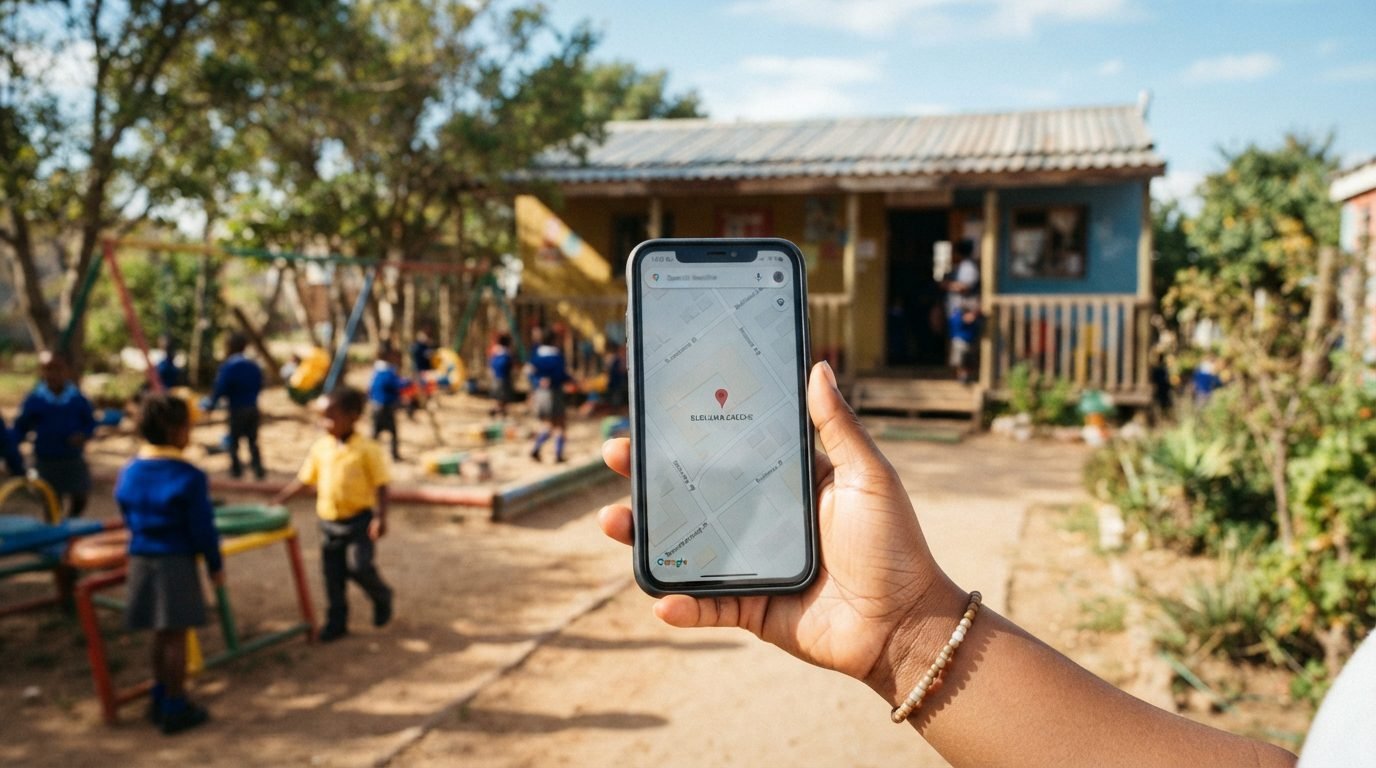
Parents comparing options nearby are looking at a map with pins on it, checking distance, reading a few reviews, and deciding who's worth a phone call. A Google Business Profile is what puts your centre on that map with your hours, photos, reviews and contact details all in one place. If you've never set one up, or set one up years ago and haven't touched it since, that's likely costing you enquiries every single week without you realising why — and every empty spot chips away at the real cost of running your centre.
Creating or Claiming Your Profile
Start by searching your centre's name on Google. Sometimes a profile already exists because Google auto-generated one from public information, in which case you'll claim it rather than create a new one — just follow the prompts Google gives you for claiming an existing listing. If nothing comes up, you'll create a new profile through Google Business Profile using a Google account, either a dedicated one for your centre or your own.
A few things to get right from the start:
- Use your exact name: Type your centre's name exactly as it appears on your signage and paperwork. Don't add descriptive keywords to rank for more searches — Google penalises this and can suspend your listing.
- Choose your primary category carefully: This is one of the strongest signals Google uses to decide which searches you show up for. Pick the most accurate option, not the first that seems close enough. You can add secondary categories later.
- Place your pin precisely: Confirm parents can visit in person, and drag the map pin so it sits exactly on your building, not somewhere approximately nearby.
Verification: What to Expect in South Africa
Google needs to confirm you're a real, operating business before your profile goes fully live in search results. The most common method is phone verification, where Google calls or texts a code to your registered number. Depending on your business type and location, you may be offered alternative methods instead. Once verified, changes to your profile typically reflect within about ten minutes, so you'll see your updates go live quickly once you're through this stage.
Category, Description and Keywords That Matter
Your description gives you up to 750 characters to explain what makes your centre worth choosing. Use them properly rather than leaving this section mostly empty or filling it with generic phrases like "the best creche in town," which doesn't help your ranking and doesn't build trust with a parent reading closely. Mention your actual age groups, your approach to early learning, and one or two specific things that genuinely set you apart — written the way you'd describe your centre to a parent standing in front of you on a tour.
Work in the language parents actually search with: terms like preschool, creche, daycare or nursery school, depending on how your community typically refers to centres like yours, rather than only the formal terminology from your registration paperwork.
Photos That Convince Parents
Photos are one of the biggest factors in whether a parent clicks through or scrolls past. Upload a genuine variety:
Exterior
Your building with signage clearly visible.
Outdoor Play
Your play area, showing real space children use.
Indoor Spaces
Classrooms with real activity, not empty staged rooms.
Avoid stock imagery entirely — parents can tell, and it undermines the trust a real, warm-looking photo builds instantly. Keep adding photos over time rather than uploading a batch once and never returning. Profiles with regularly updated photos tend to hold stronger visibility, since Google treats consistent activity as a signal your listing is genuinely active.
Getting and Answering Google Reviews
Reviews are one of the single biggest factors in both your ranking and whether a parent actually chooses to call you. Ask happy parents directly, ideally at a natural, positive moment, and make it effortless by sharing Google's direct review link via WhatsApp or in person — asking without making it easy rarely converts into an actual review. We'll go deeper on the exact scripts and timing in a dedicated guide on getting parent reviews.
Respond to every review you receive, the glowing ones and the difficult ones. A warm, personal reply to a positive review shows you're genuinely engaged, and a calm, professional response to a critical one often reassures a prospective parent more than the absence of any criticism would.
Posts and Updates: 10 Minutes a Week
Most centres never use Google's Posts feature at all, which is exactly why it's worth doing. A short post about an upcoming open day, a seasonal enrolment reminder, or a recent activity photo keeps your profile looking active and gives Google fresh signals that you're a genuinely operating, engaged business. Ten minutes a week is enough to keep this ticking along, and it lines up naturally with planning around your enrolment season.
Common Mistakes That Tank Your Ranking
- Set-and-forget: The biggest one. A profile that isn't updated regularly gradually loses visibility, even if nothing about your centre has changed.
- A stale primary category: Leaving whatever you picked on day one without revisiting whether it's still the most accurate option is a quiet cost most owners never notice.
- Inconsistent details: A phone number here that doesn't match your website there confuses both parents and Google's ranking signals. Keep everything matching exactly across every platform you're listed on.
Beyond Google: Where Else Your Centre Must Be Listed
Google Maps is the highest priority, but it isn't the only place that gives you this kind of structured, searchable presence. Find My Nursery works in a similar way to Google Business Profile, purpose-built specifically for this sector. Your profile pulls your actual geo-location so parents get accurate directions straight from the listing, and it includes your hours, verified parent reviews, fees, photos, and your current enrolment status — so a parent searching right now can see immediately whether you've got open spots or you're full. Parents can tap to call, tap to WhatsApp you directly, or message you through the platform, with your social media links sitting alongside everything else.
Relying on Google alone still leaves visibility gaps a determined, comparison-shopping parent will notice. And if all of this feels like more than you have time for, that's a completely reasonable call. FM Digital Solutions will build and manage your entire online presence — your Google profile, directory listings and local search visibility — properly and consistently, at an affordable monthly rate built for smaller businesses. For a centre that's short on time, it's a genuinely worthwhile investment rather than an expense, since getting this right consistently is what actually fills spots.
Get Listed Where Parents Are Searching
Once you're registered, claim your Find My Nursery profile — much of the structured setup Google asks you to do manually is already built into the listing for you.
Claim Your SchoolQuick Answers to Common Questions
How do I get my creche on Google Maps? Create or claim your Google Business Profile, verify your business, and complete your category, description and photos. Once verified, it typically appears in search within around ten minutes.
Is Google Business Profile free for daycares and preschools? Yes, creating and maintaining a profile costs nothing. It's one of the highest-impact things an owner can do for free.
How many photos should my centre's Google profile have? At least five to start, covering your exterior, outdoor play area and indoor spaces, and it's worth adding more over time rather than uploading once and stopping.
Why isn't my creche showing up on Google even though I have a profile? Common reasons include an inactive, outdated profile, an inaccurate category, or inconsistent business details across other platforms. Regular updates and accurate information both matter for ranking.
Owners Also Read
Inside the Find My Nursery Premium Dashboard: What Changes When You Upgrade
Inside the Find My Nursery Premium Dashboard: What Changes When You Upgrade What parents...
What Does Your Nursery School Get on Find My Nursery? Listed vs Essential vs Premium
What Do You Actually Get When You List Your Nursery School on Find My...

How to Search and Filter Nursery Schools on Find My Nursery (Including School Networks Like Curro and Trinityhouse)
How to Search and Filter Nursery Schools on Find My Nursery (Including School Networks...
Parents Are Already Searching for You
"We went from invisible online to #1 on Google in our area," says Little Children's Nursery School, Athlone in their testimonial. Claim your free listing and get the +240% average visibility boost.
Claim Your School for Free